Don't miss our holiday offer - up to 50% OFF!

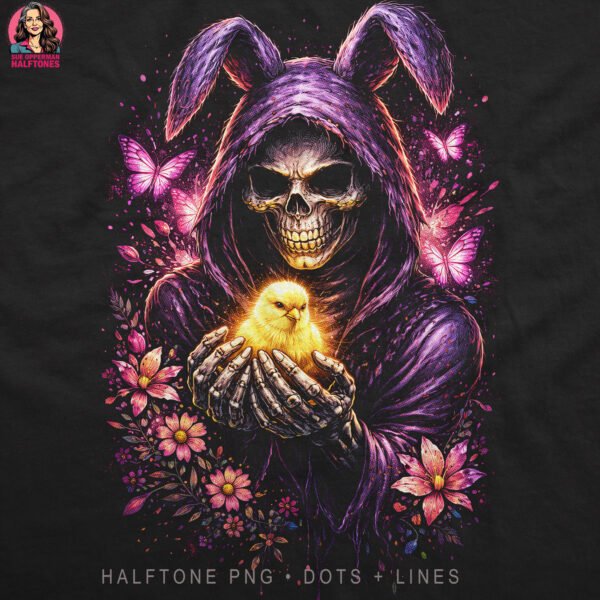





Grim Reaper Bunny Skull
$2,00
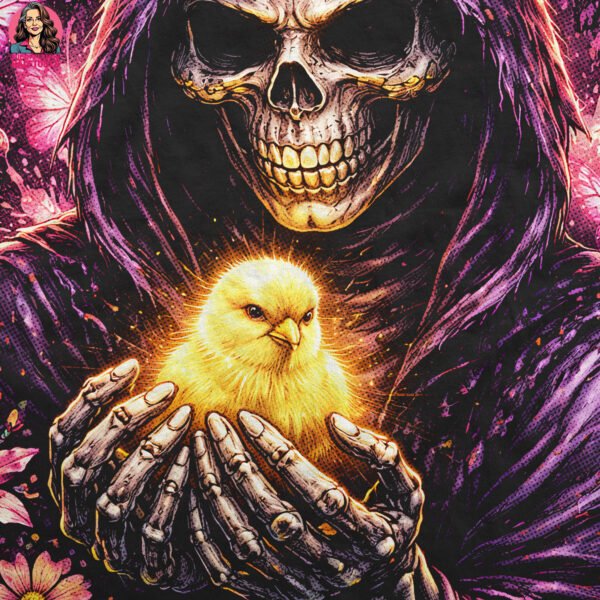
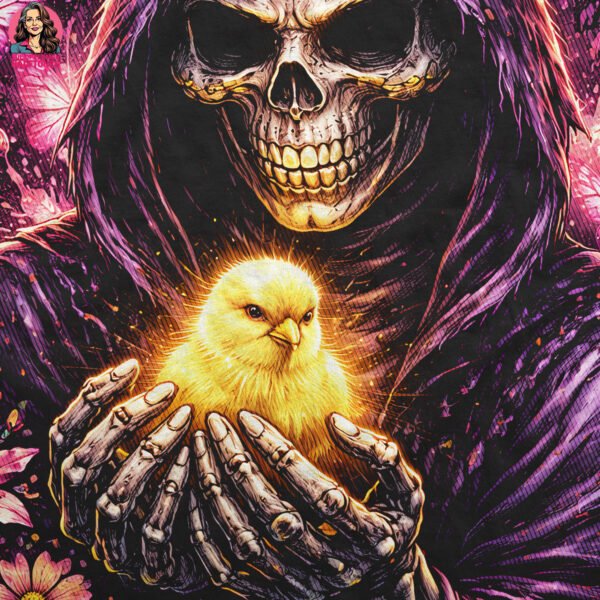
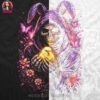
Grim Reaper Bunny Skull Halftone Design is supplied as two halftone PNG variants for experienced garment printers who want controlled contrast and texture variation on dark garments. Use the dot/holes file for smoother tonal transitions and breathable negative space, or the line file for a stronger textured print feel and added depth.
Browse more halftone designs | DTF printing reference
Grim Reaper Bunny Skull Halftone Design – WHAT’S INCLUDED
- 2 high-resolution PNG files
- Dot/holes version
- Line version
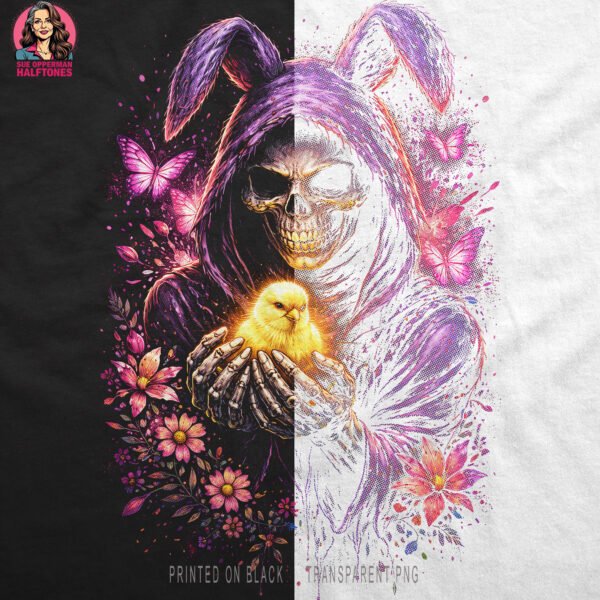
- Transparent background
- 300 DPI
- Optimised for DTF & white-toner
- Designed for black/dark garments
IDEAL FOR
- DTF garment printing
- White-toner workflows
- Professional apparel printers
IMPORTANT
- Digital file only – no physical item
- Colours may vary by screen/printer
- Print results depend on equipment and settings
USAGE & LICENSING
- May be used on finished physical products
- Digital file may not be resold/shared
- Not for Print-On-Demand platforms
For best results, test this Grim Reaper Bunny Skull Halftone Design on your own equipment and adjust RIP/printer settings as needed.
Grim Reaper Bunny Skull Halftone Design Technical Print Notes
This section is provided for professional garment printers who want predictable output from this Grim Reaper Bunny Skull Halftone Design across different DTF and white-toner systems. Every setup is different, so treat the notes below as practical guidance rather than universal settings.
Choosing Dot vs Line
The dot/holes version of this Grim Reaper Bunny Skull Halftone Design is typically used when you want smoother tonal transitions and controlled negative space. It can help preserve highlight detail and reduce heavy ink build-up on dense areas. The line version is typically used when you want a stronger textured look, a bolder perceived edge, and slightly more visible structure at viewing distance. Many printers keep both files so they can match the artwork to the garment fabric, print profile, and desired texture.
DTF Output Considerations
For DTF, fine halftone detail depends on stable film quality, consistent powder coverage, accurate curing, and reliable heat press pressure. If small dots drop out, verify that your output resolution is appropriate for your RIP and that you are not over-filtering fine detail. If midtones fill in, reduce excessive white density or review highlight protection settings. If edges appear too sharp or noisy, reduce oversharpening and confirm that your RIP is not adding unwanted dithering on top of the halftone structure.
White-Toner Workflow Notes
For white-toner workflows, toner coverage and transfer media have a significant impact on how halftone texture resolves. If you see patchiness in fine dots, confirm your toner density, paper/foil compatibility, and press stability. If highlights look weak, run a small test to confirm that your system is holding lighter values without breaking the pattern. Because substrates vary, it is normal to make small adjustments for different garment blends and coatings.
Recommended Test Print
Before full production, print a small proof of this Grim Reaper Bunny Skull Halftone Design and check: (1) dot retention in midtones, (2) line integrity on detailed edges, (3) underbase control on dark fabric, and (4) whether press time/temperature changes the perceived texture. A controlled proof reduces reprints and makes it easier to standardise settings for repeat orders.
Scaling and Placement
Halftone texture is sensitive to scaling. If you scale this Grim Reaper Bunny Skull Halftone Design dramatically up or down, the pattern may appear coarser or finer than intended. Keep your workflow consistent: set final print size first, then output through the same RIP profile you use for similar artwork. This helps maintain predictable contrast and print depth across jobs.
File Handling
These PNG files have a transparent background to support clean placement over dark garments. Avoid converting the artwork to formats that may introduce compression artefacts. If your software requires a specific colour space, convert carefully and re-check midtones and fine details after conversion. Always keep an original copy of the files so you can revert if a workflow change affects texture.
Note: Results will vary by equipment, film, powder, ink/toner, garment type, and press calibration. The buyer is responsible for final printer/RIP adjustments to achieve the desired output.
Only logged in customers who have purchased this product may leave a review.
Related products
-
Gothic Rose Woman
$2,00 -
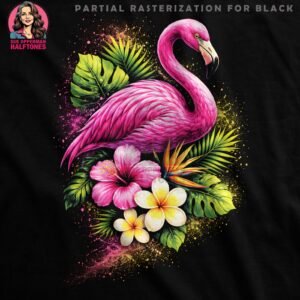
Vibrant Pink Flamingo
$2,00 -
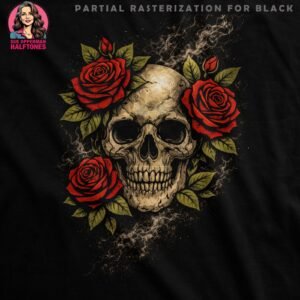
Skull and Roses
$2,00 -
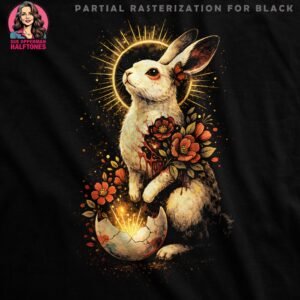
Floral Easter Bunny
$2,00
Reviews
There are no reviews yet.